 Ozavio
Create and review English video captions
English captions make the spoken content visible, but an automatic transcript still needs a human review. Use this workflow to check the words and their timing before you export a short video.
Start with a clear, self-contained clip
Use a video file you own or have permission to edit and publish. Pick a passage that makes sense without the rest of the recording. If the speaker refers to an earlier question, keep enough of that question to make the answer understandable.
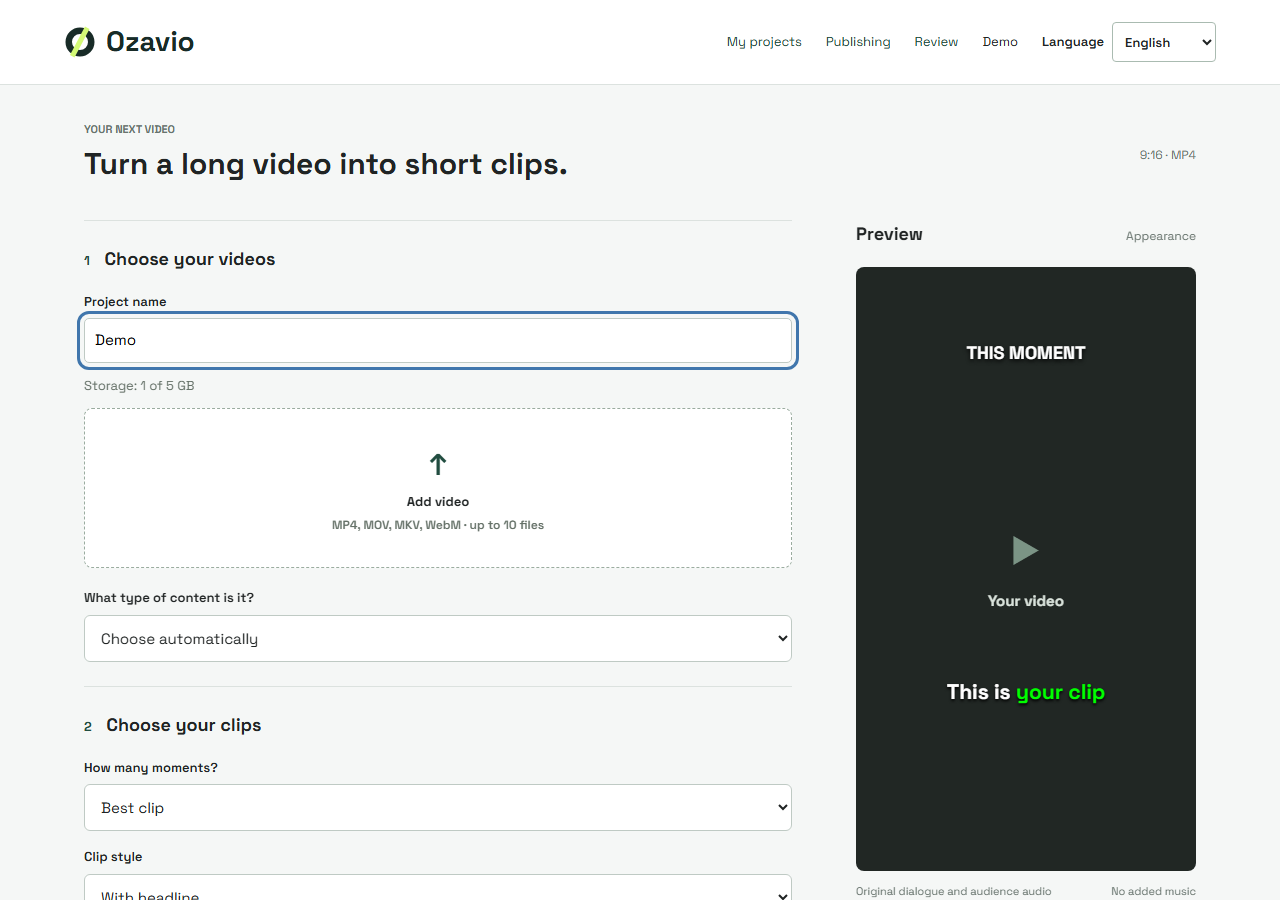
In Ozavio's clipping studio, create a project, choose your video file and review the suggested moments. This workflow starts with a file upload; it does not assume that a YouTube or TikTok URL can be imported automatically.
Check meaning before styling
Listen to the original while reading the captions. Pay close attention to people's names, brands, numbers and specialist terms. Small words matter: missing ‘not’ can reverse the meaning of a sentence. Do not replace an uncertain word with a confident guess.
For example, ‘we can ship on Friday’ and ‘we can't ship on Friday’ look similar but make opposite promises. Replay the surrounding sentence and choose a clearer passage if the recording does not support a reliable transcription.
Separate wording from timing
Correct words that appear too early or too late are a timing problem. Incorrect words that appear at the right moment are a transcription problem. Review both separately so that a spelling correction does not distract you from a line that remains on screen after the next speaker starts.
Preview the style on a small screen
Choose a caption style and check the lightest and darkest parts of the video. Make sure the text is readable, does not hide an important face and leaves space for the destination platform's interface. Watch at normal speed instead of judging only a paused frame.
Review the exported file
Play the final export once with sound to check synchronization and once without sound to assess readability. Keep a copy of the approved result in your project. Check a new export again after changing the clip boundaries.
Ozavio's current clipping transcription is configured for English. Website interface languages are not a list of supported spoken languages. Automatic translation and additional spoken languages are not presented as verified clipping features here.