 Ozavio
Turn a video podcast into Reels and Shorts
Choose a self-contained answer that makes sense even to someone who has never watched the episode.
Keep one complete idea
Choose a clear question and answer, experience or explanation. Include a concrete example and any exception that changes the meaning. Do not combine unrelated remarks into a new claim.
Check every speaker change
Make sure the active speaker and important reactions remain visible after cropping. Check caption readability and leave space for the platform's controls on a mobile screen.
Upload and review
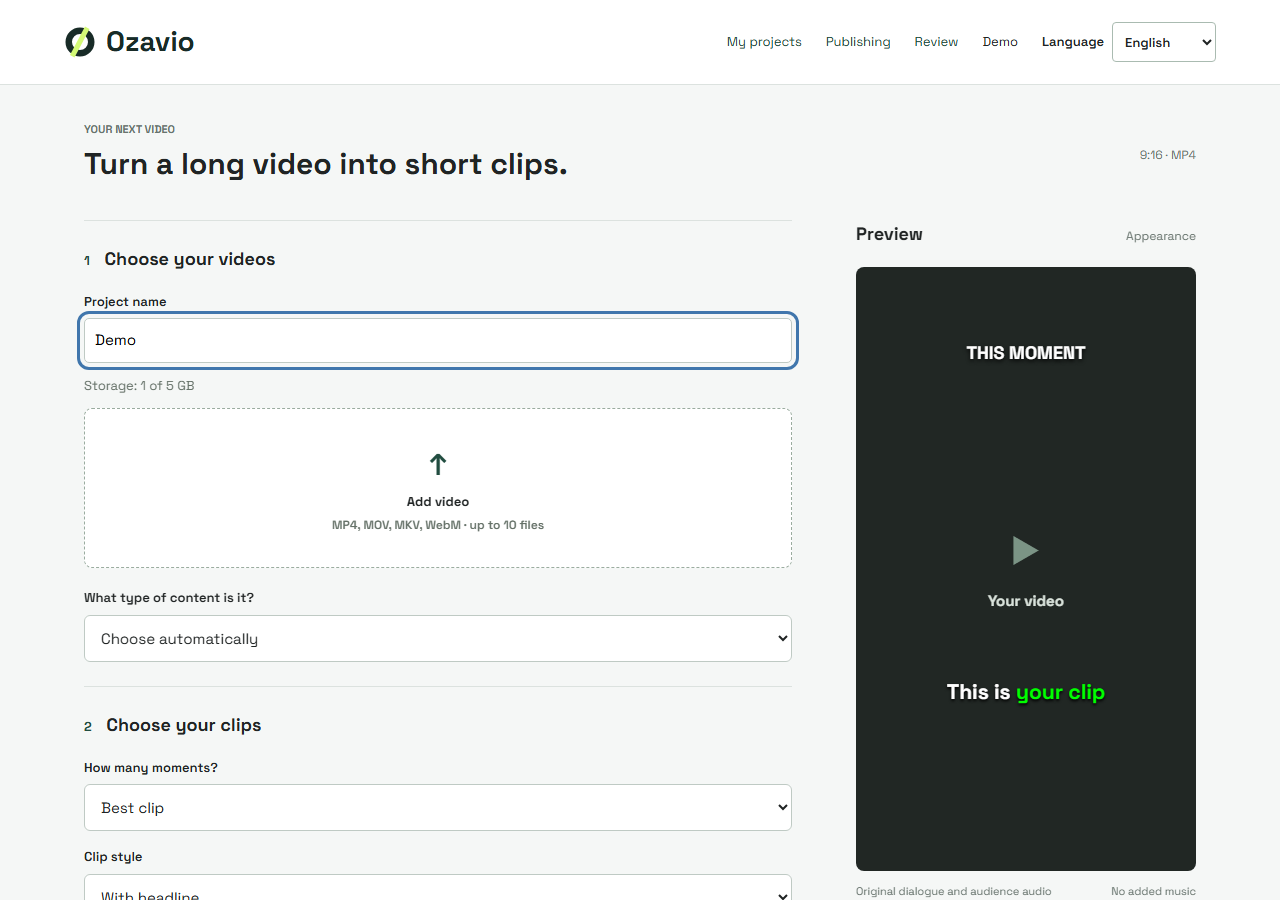
Upload your video podcast in Ozavio and review the suggested moments and captions. Make sure you have the necessary rights for the episode, guest appearances and included material.
Publish the reviewed export
Download and check the final video, then use your chosen platform's upload flow. Keep a record of the source episode and time range. This guide does not assume automatic publishing or scheduling.