 Ozavio
Turn long videos into short clips
A good short clip tells one understandable story. Start with what the viewer should take away, not the number of clips.
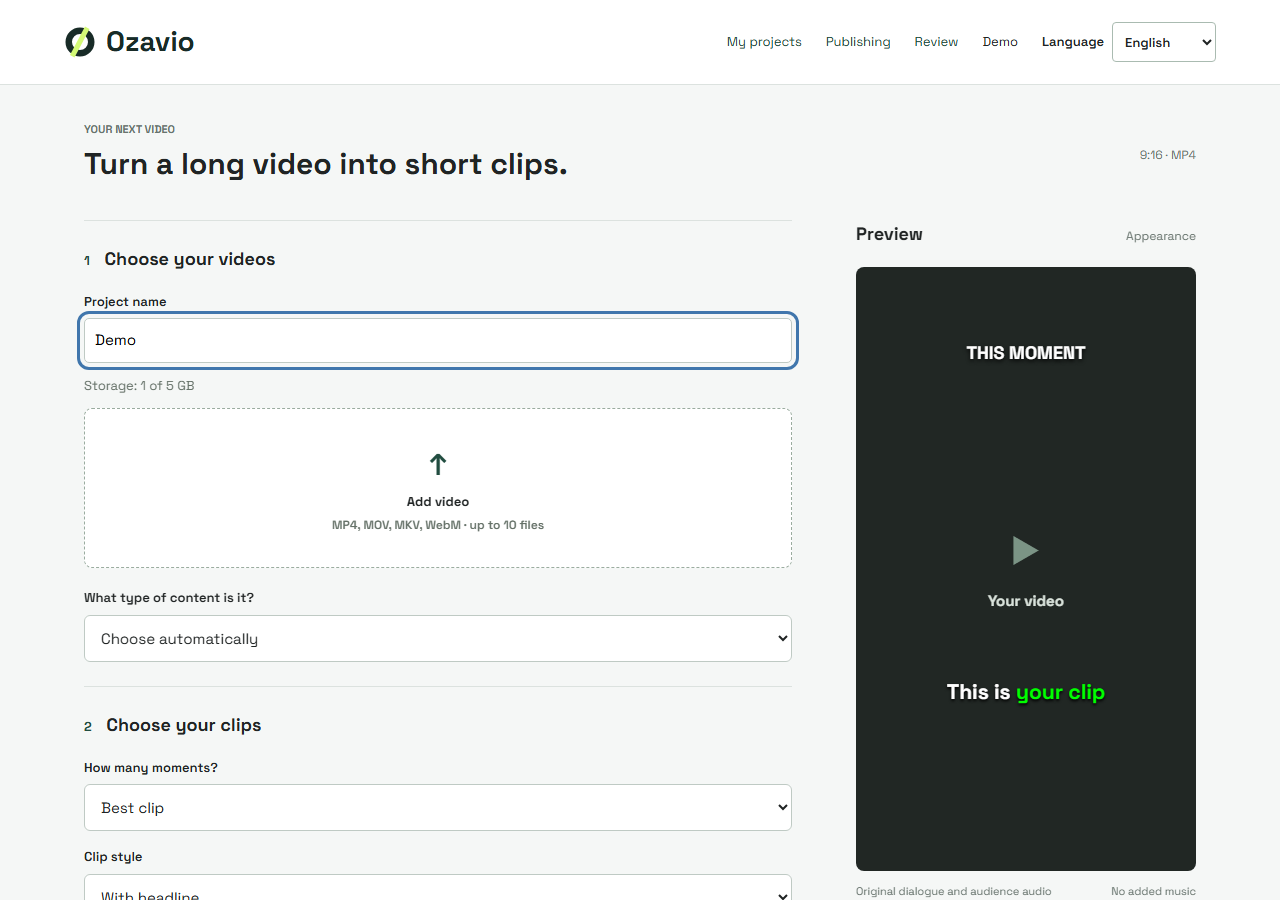
Choose footage you can use
Upload a local video file you own or have permission to edit and publish. Look for a clear explanation, opinion or example with a conclusion. This workflow does not assume automatic imports from social-media links.
Keep the context
Start where the subject becomes clear and end after the point is complete. Keep important exceptions and enough of the preceding question to avoid changing the speaker's meaning.
Review Ozavio's suggestions
Create a project, upload the video and review the suggested moments. Check framing, captions and transitions at normal speed. AI suggestions do not guarantee relevance or views.
Check the exported file
Listen while reading the captions; correct names, numbers and missing negatives. Review the export on mobile before publishing, then compare audience responses to improve your next selection.